Picker
io.github.lamplis:vision-picker is built by :vision-picker. The Kotlin package is io.github.lamplis.vision.picker. rememberImagePickerLauncher opens the system photo picker for SelectionMode.Single or SelectionMode.Multiple. The selected images arrive in onResult. Dismissing the picker calls onResult with an empty list. ResizeOptions and FilterOptions are available. The samples below show both.
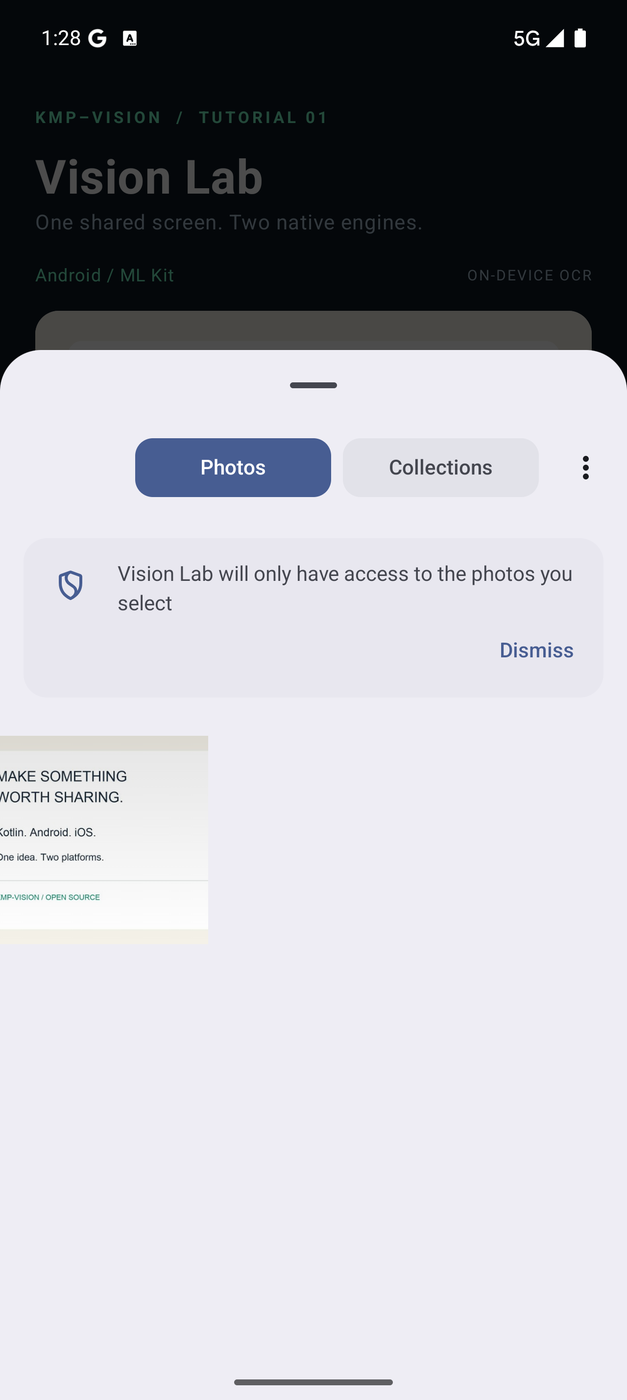
Captured from Vision Lab, the runnable tutorial.
Image resizing
Resizing applies to both single and multiple image selections, including a threshold so an image is resized only when it exceeds a file size.
- The default resizing dimensions are
800 x 800pixels. - The default threshold for resizing is
1MB. Images larger than this size are resized. - You can customize the resizing dimensions, threshold, and compression quality.
Set the resizeOptions parameter in rememberImagePickerLauncher:
val resizeOptions = ResizeOptions(
    width = 1200, // Custom width
    height = 1200, // Custom height
    resizeThresholdBytes = 2 * 1024 * 1024L, // Custom threshold for 2MB,
    compressionQuality = 0.5 // Adjust compression quality (0.0 to 1.0)
)
Single image with resizing
val singleImagePicker = rememberImagePickerLauncher(
    selectionMode = SelectionMode.Single,
    scope = rememberCoroutineScope(),
    resizeOptions = resizeOptions,
    onResult = { byteArrays ->
        byteArrays.firstOrNull()?.let {
            // Process the resized image's ByteArray
            println(it)
        }
    }
)
Multiple images with resizing
val multipleImagePicker = rememberImagePickerLauncher(
    selectionMode = SelectionMode.Multiple(maxSelection = 5),
    scope = rememberCoroutineScope(),
    resizeOptions = resizeOptions,
    onResult = { byteArrays ->
        byteArrays.forEach {
            // Process the resized images' ByteArrays
            println(it)
        }
    }
)
While resizing, the aspect ratio of the original images is preserved. The final dimensions may slightly vary to maintain the original proportions.
Image filters
vision-picker offers filter options for selected images on Android and iOS.
Set the filterOptions parameter in rememberImagePickerLauncher:
val imagePicker = rememberImagePickerLauncher(
    selectionMode = SelectionMode.Single,
    scope = rememberCoroutineScope(),
    filterOptions = FilterOptions.GrayScale,
    onResult = { byteArrays ->
        // Process the filtered images' ByteArrays
    }
)
The default filter option is Default, which applies no filter. Choose GrayScale, Sepia, or Invert for different effects.
ByteArray to ImageBitmap
toImageBitmap() converts a ByteArray into an ImageBitmap.
View the picker walkthrough
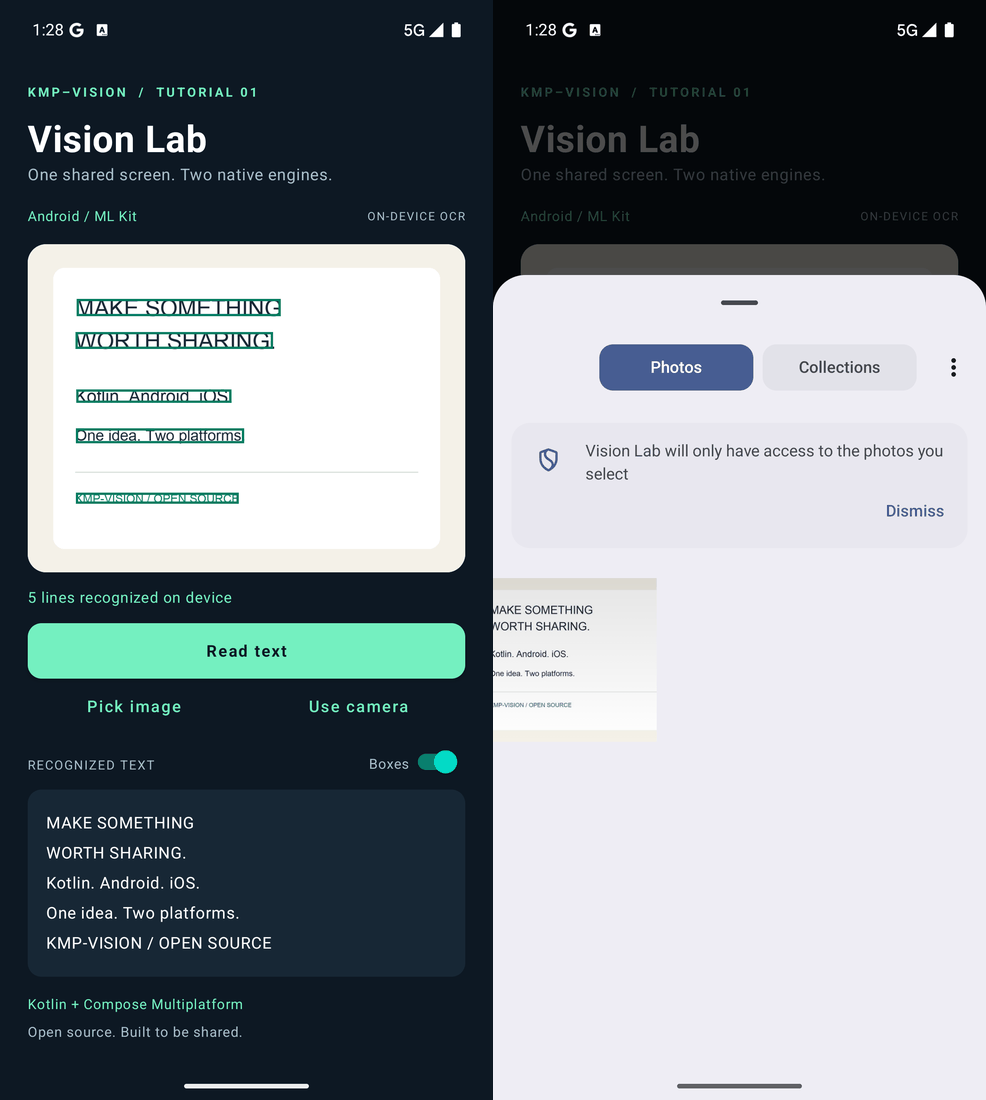
The GIF sequences actual captured states with timing edited for readability.